 ChordPal
Write and edit chords Free
Chords in ChordPal live right inside the lyrics, so they move correctly when you transpose.
1How chords are written
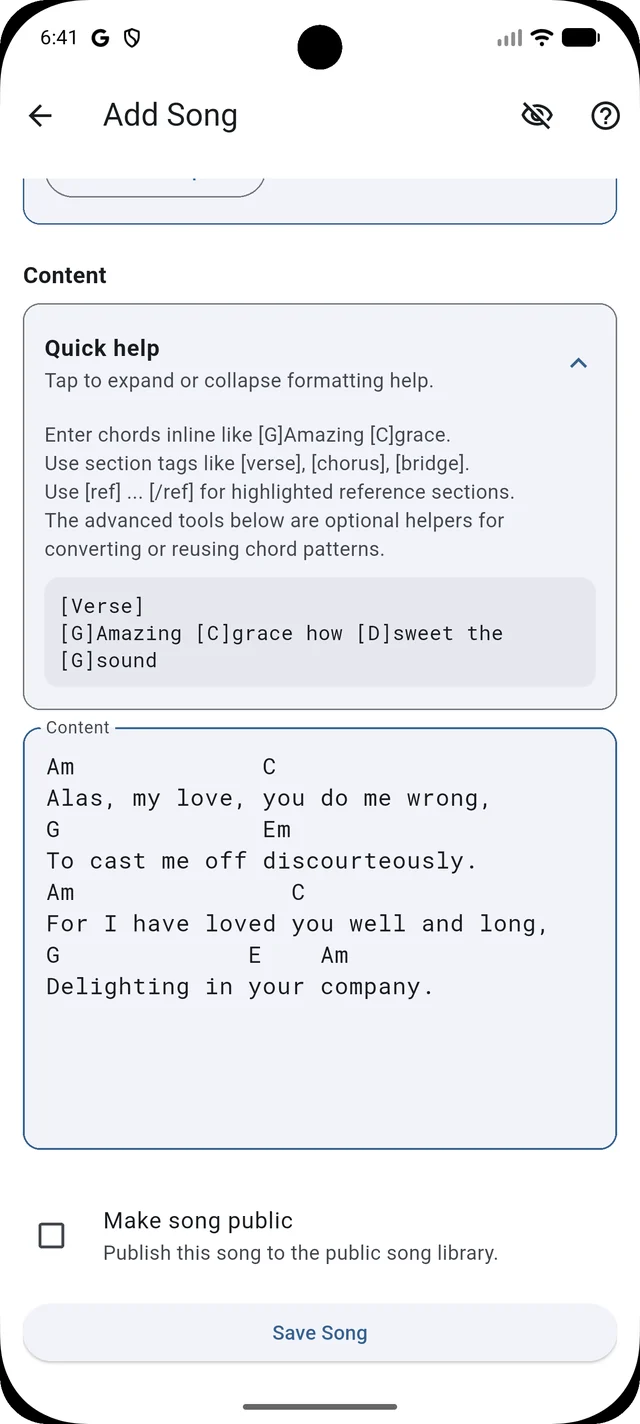
ChordPal keeps chords inline: the chord goes in square brackets exactly where it changes.
[G]Amazing [C]grace how [D]sweet the [G]sound
- Section tags:
[verse],[chorus],[bridge]on their own line. - Wrap repeated parts in
[ref]…[/ref]to highlight them.
 AB
Tap the eye icon at the top of the Add Song or Edit Song screen to show or hide this Quick help card any time.
2Typed the chords above the words? Convert themPro
Many chord sheets put the chord names on a line above the lyrics. Paste or type them like that, then tap Convert to inline in the Tools section.
A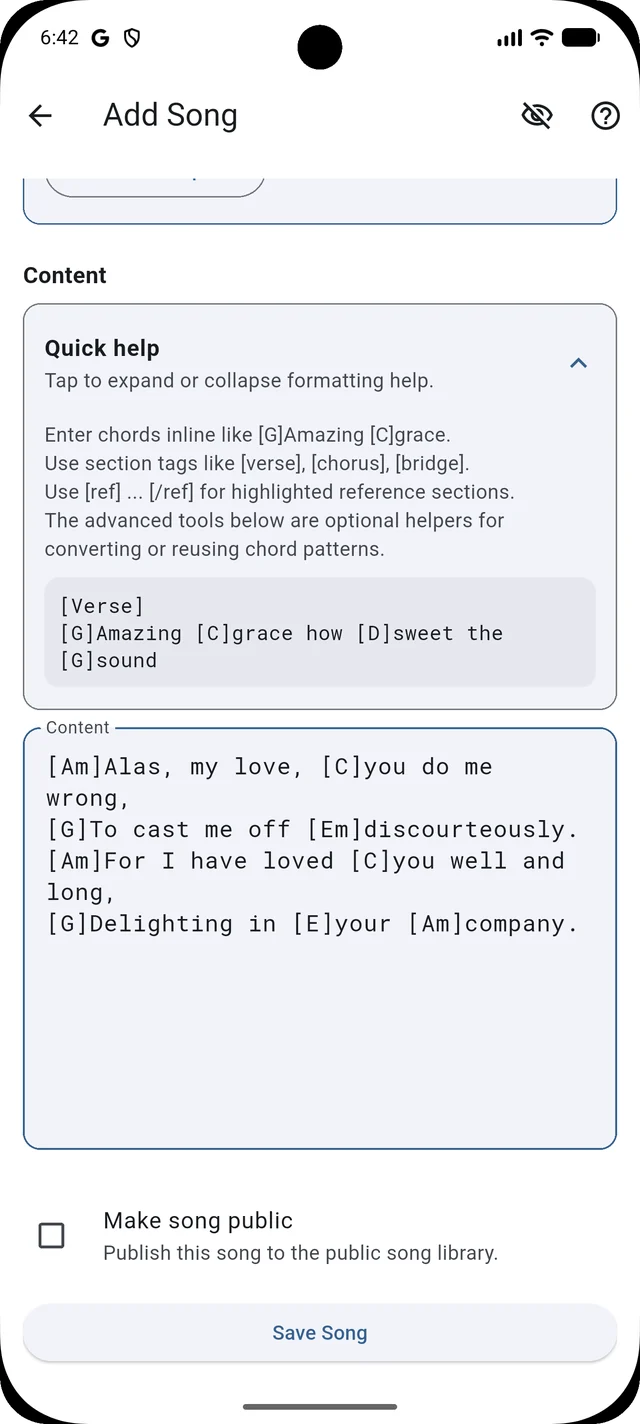 A
ChordPal shows a short message – Converted to inline format. Please review before saving. Check the result, fix any chord that landed a little off, then save.
3Edit a song you already saved
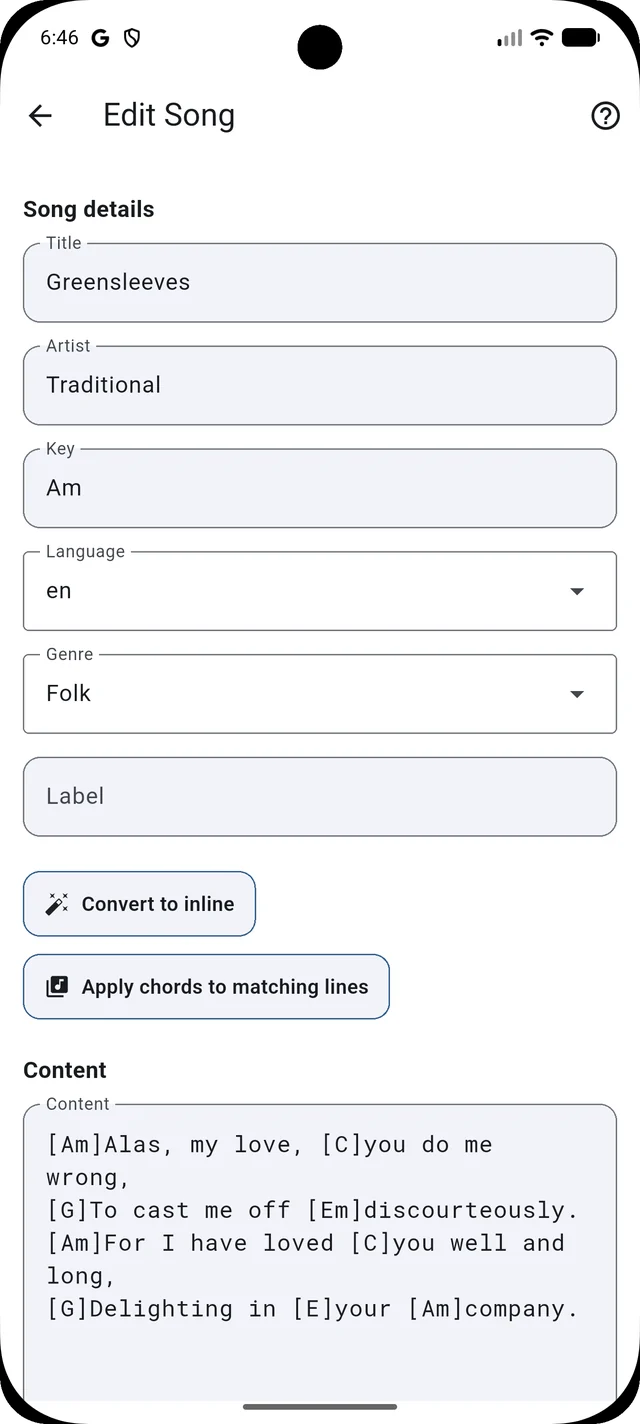
Open the song, tap the small arrow at the top right to show the toolbar, then tap the pencil icon.
The Edit Song screen has the same boxes as Add Song. Change the text, then scroll to the bottom and tap Save.
 A
 AB
4Chord diagrams update by themselves
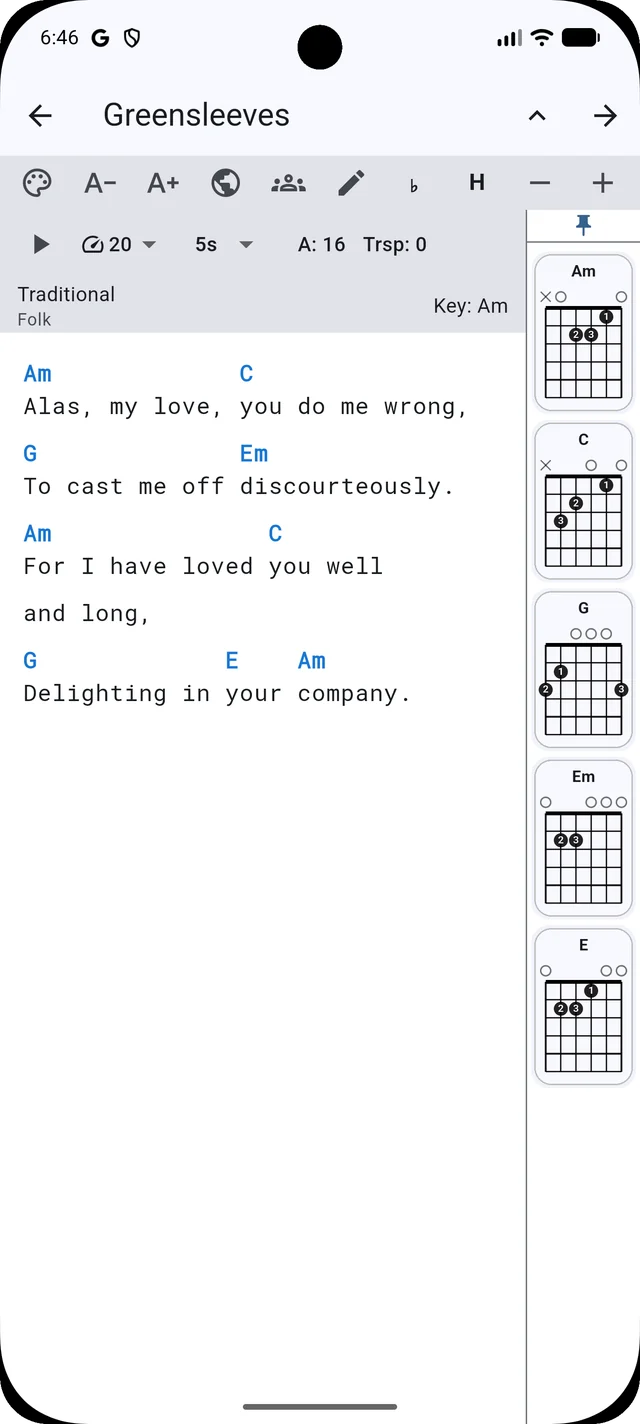
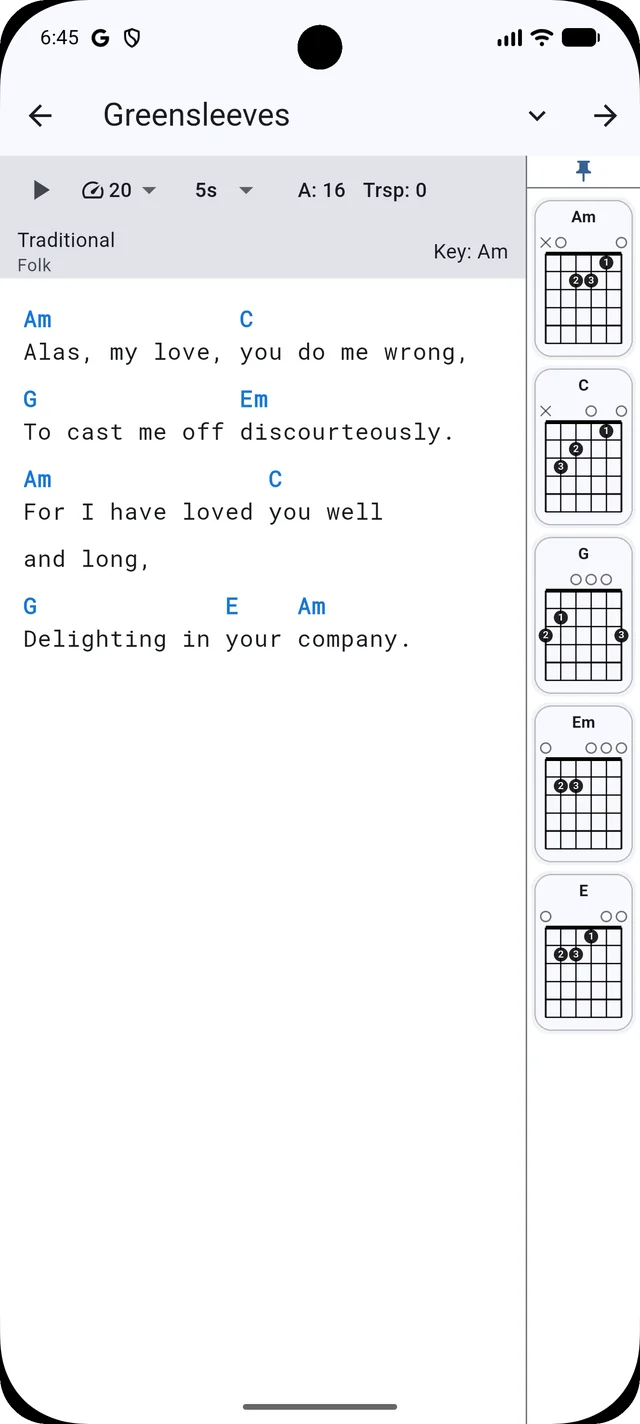
Every chord you write appears as a diagram in the strip on the right of the song, so players can see the finger positions. Add or change a chord and its diagram follows.
 A