 ChordPal
Add a song Free
Add your own songs in about two minutes. We use the public-domain tune Greensleeves as the example.
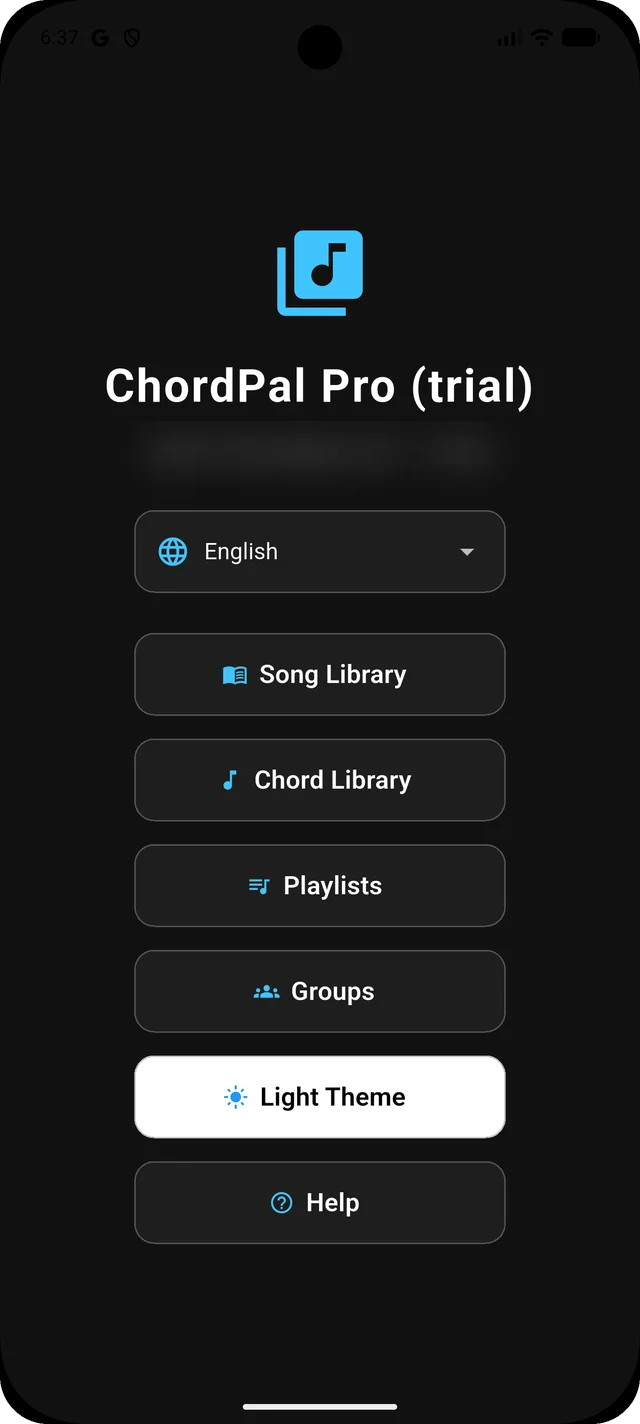
1Open the Song Library
On the Home screen, tap Song Library.
 1
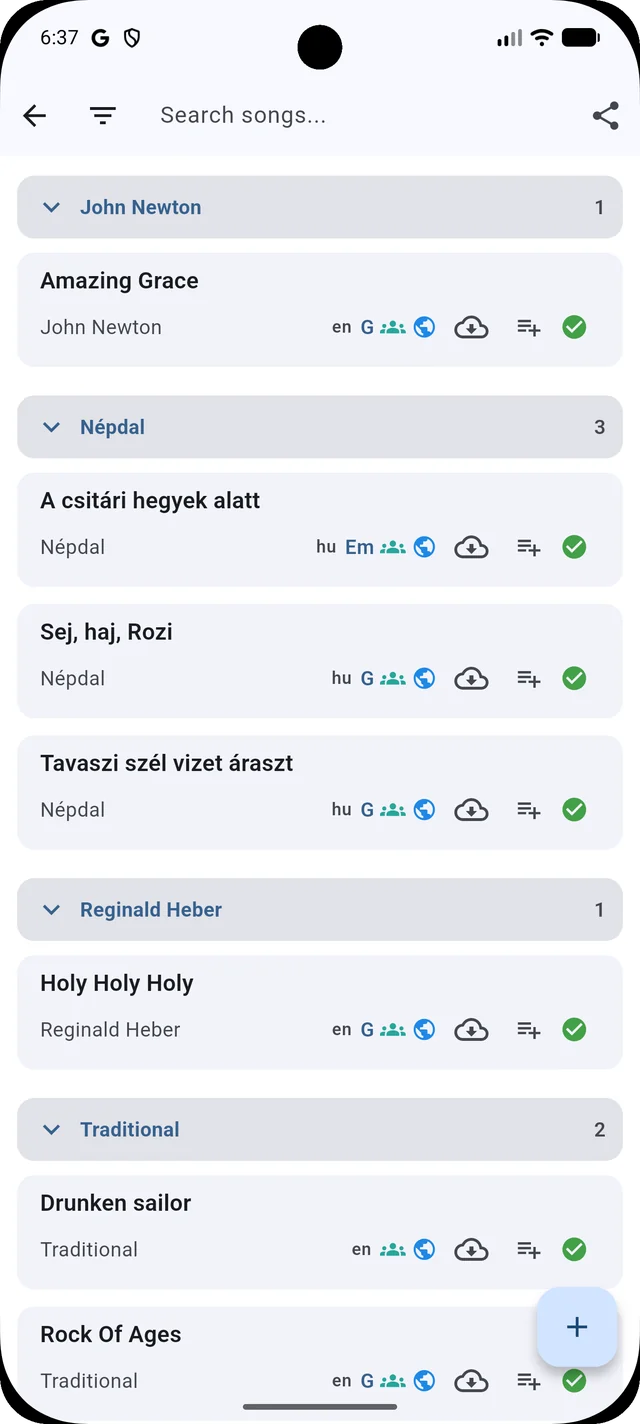
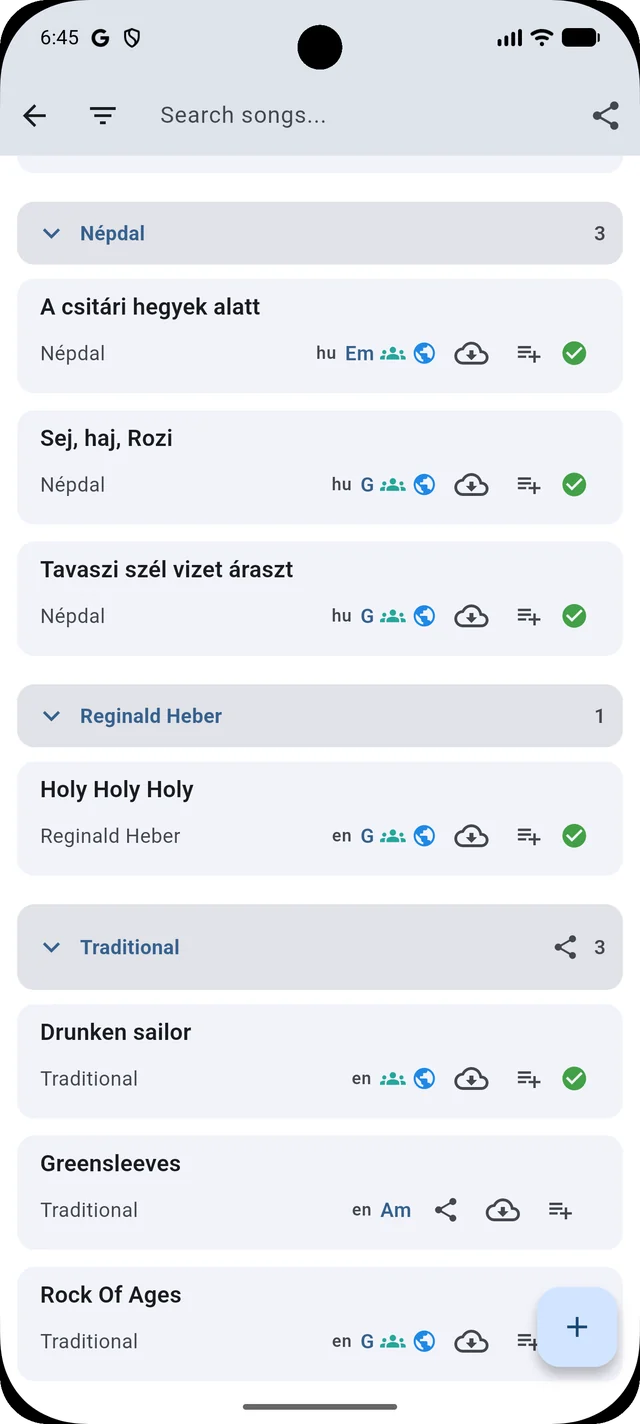
2Tap the + button
Your songs are listed here. Tap the blue + button at the bottom right to add a new one.
 2
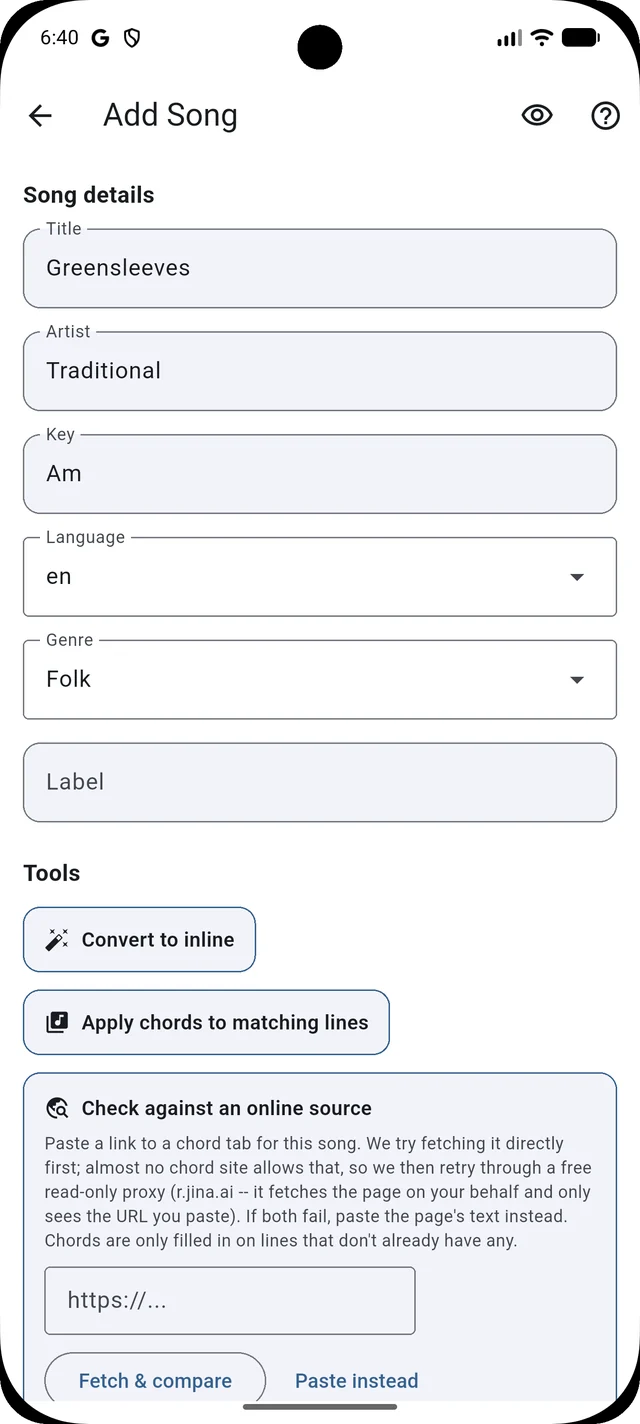
3Fill in the song details
Type the Title and Artist. The other boxes are optional but make songs easier to find later:
- Key – the key the song is in, for example
AmorG. - Language and Genre – pick from the lists.
- Label – your own tag, for example “campfire”.
 3
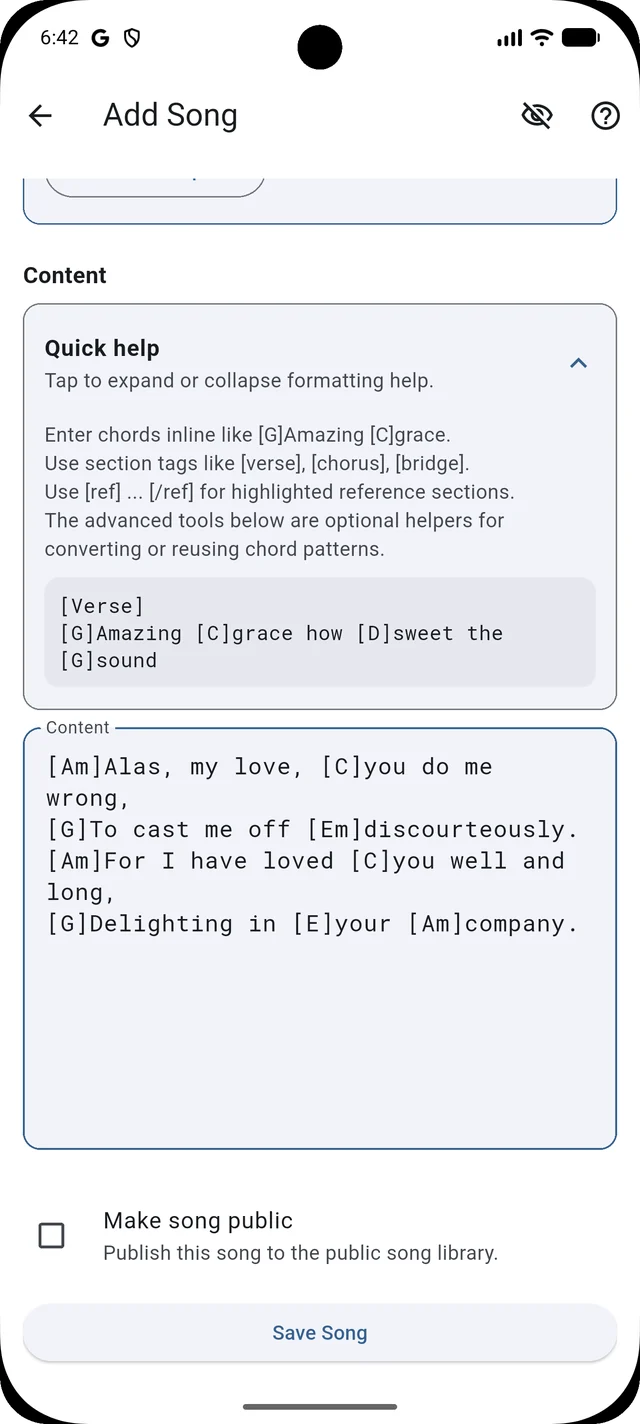
4Type the chords and lyrics
Tap the big Content box and type the lyrics. Put each chord in square brackets right before the word or syllable where it changes, like [G]Amazing [C]grace.
Prefer to type the chord names above the words, the way many songbooks do? That works too – see the next tutorial, Write and edit chords.
 4
5Save your song
Scroll down and tap Save Song. Leave Make song public unticked to keep the song private – only you can see it.
AB6Find your new song
Your song now appears in the Song Library. Tap it to open it.
 6