 ChordPal
Find your songs Free
Once your library grows, these tools get you to the right song fast.
How to use this page: keep it open in your browser, then swipe to ChordPal and follow the steps. The 1 A badges on the pictures match the numbers in the text.
1Search
In the Song Library, type in the Search songs… box at the top. Titles and artists are matched as you type.
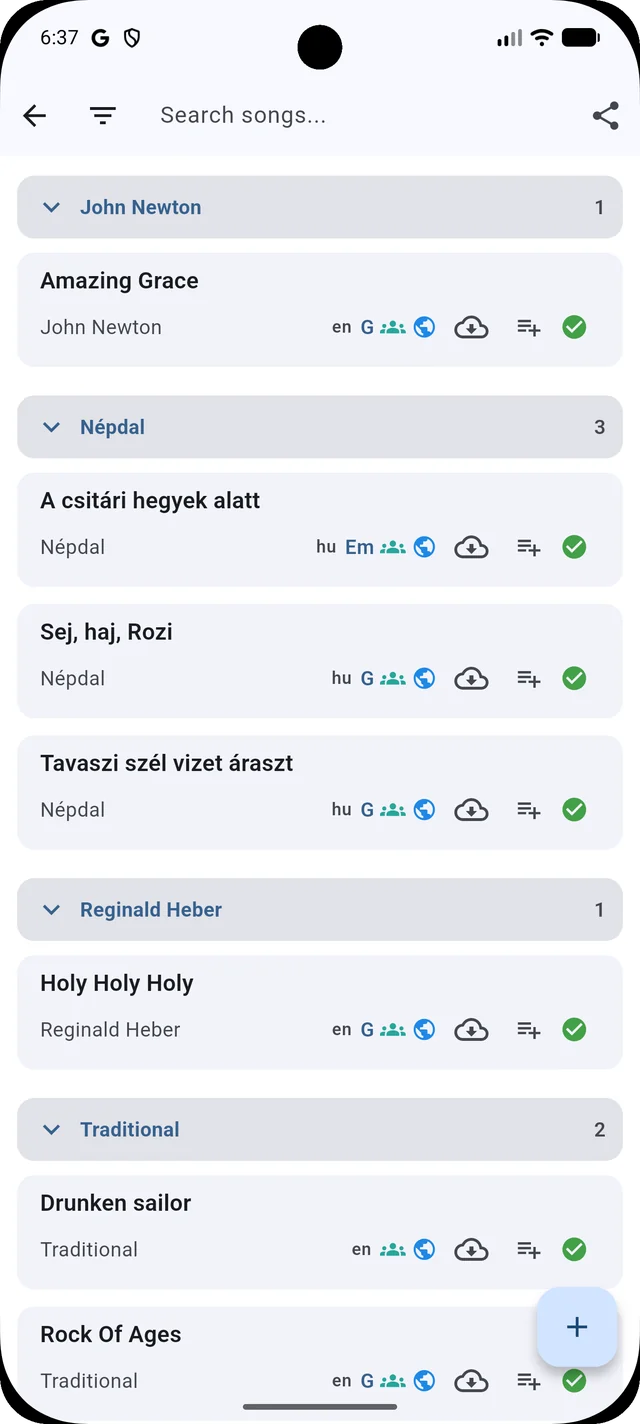 1
2Sort and filter
Tap the filter icon next to the search box to open Sort and filter.
2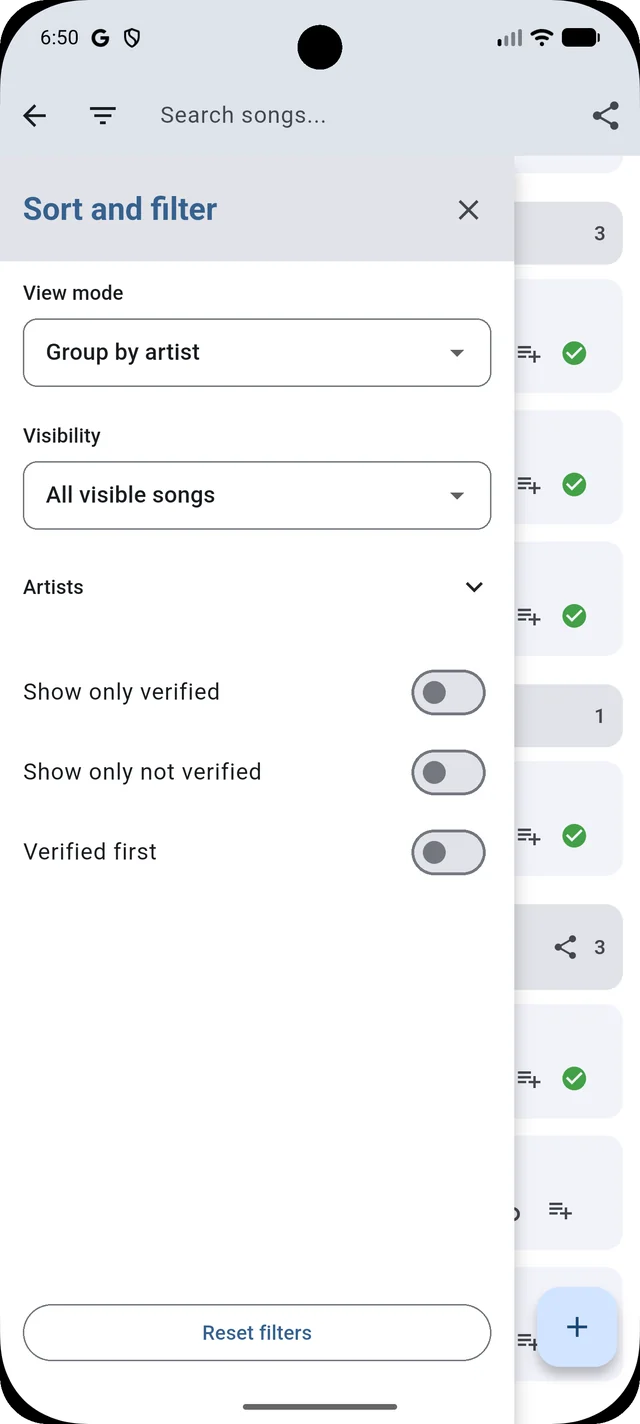 ABCD
- View mode – for example group songs by artist.
- Visibility – all visible songs, or only some kinds.
- Verified switches – show only (or first) verified songs.
- Reset filters – back to the full list.
3Read the icons on each song
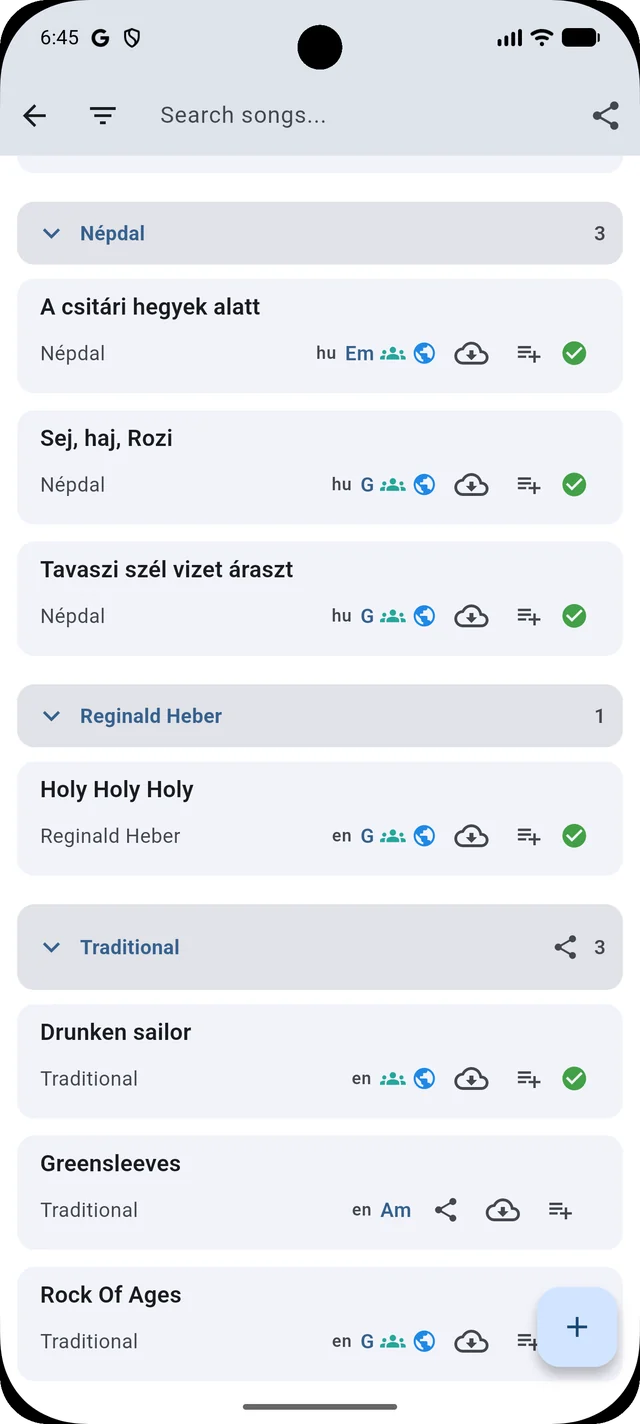
Each row has small icons:
- The language code and the song’s key.
- The globe – the song is in the public library.
- The cloud – tap it to download the song for offline use.
- The playlist icon – add the song to a playlist (Pro, see the Playlists tutorial).
- The share icon – share the song with another person (Pro).
- A green check marks a verified song – see the Verified songs tutorial.
34Use songs offline
Tap the cloud icon next to a song to download it. Downloaded songs open without internet, and ChordPal automatically uses the local copy.
 4