 ChordPal
Chord Library Free
Forgot a fingering? Look it up in seconds.
How to use this page: keep it open in your browser, then swipe to ChordPal and follow the steps. The 1 A badges on the pictures match the numbers in the text.
1Open the Chord Library
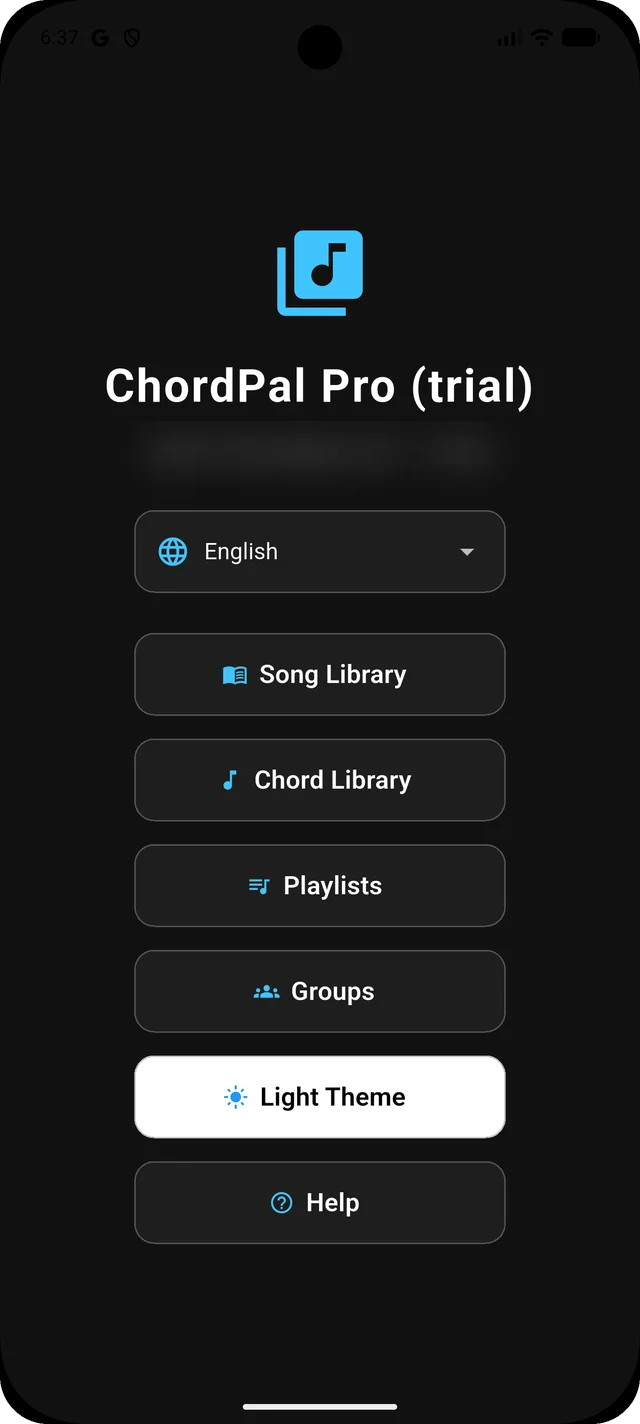
From the Home screen tap Chord Library.
 1
2Search for a chord
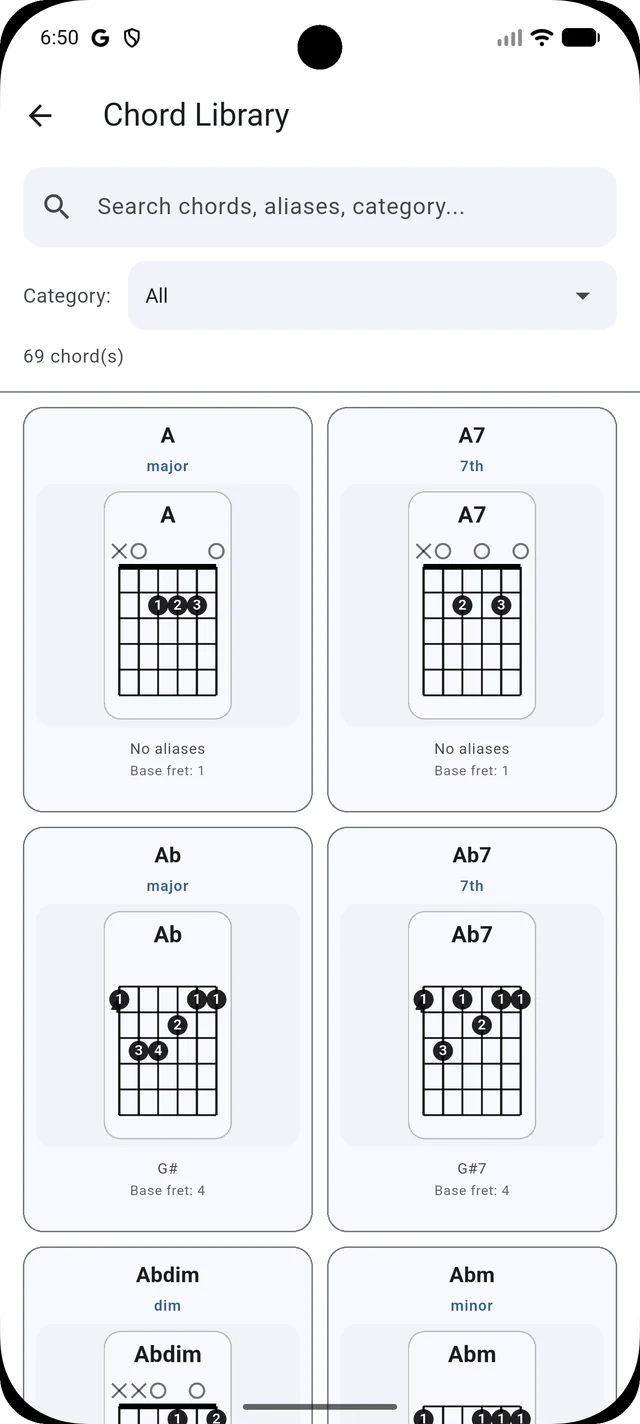
Type a chord name, an alias or a category in the search box, or pick a Category from the list to narrow the results. The counter shows how many chords match.
 AB
3Read a chord card
Each card shows the chord name and type, a diagram with finger positions, other names (aliases) and the base fret.
34Chords inside a song
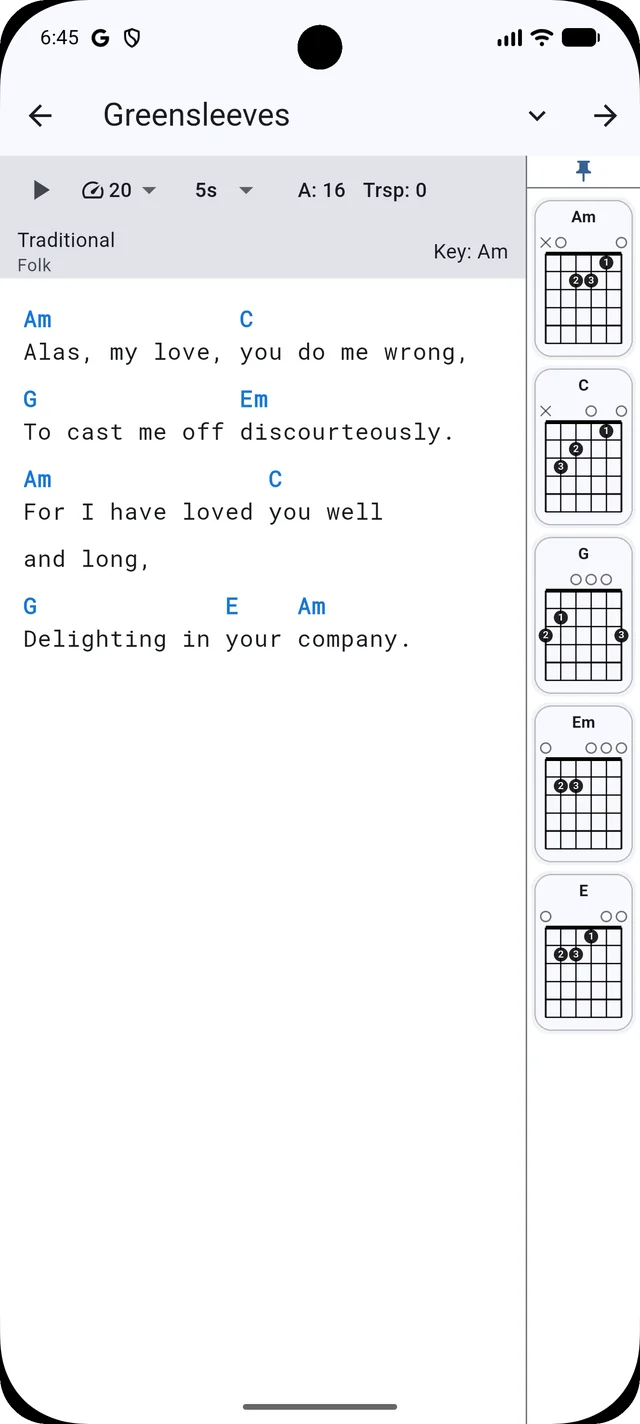
You do not have to leave a song to check a shape: the chords of the song you are playing are shown as diagrams in the strip on the right.
 4